.png)
There are no items in your cart
Add More
Add More
| Item Details | Price | ||
|---|---|---|---|
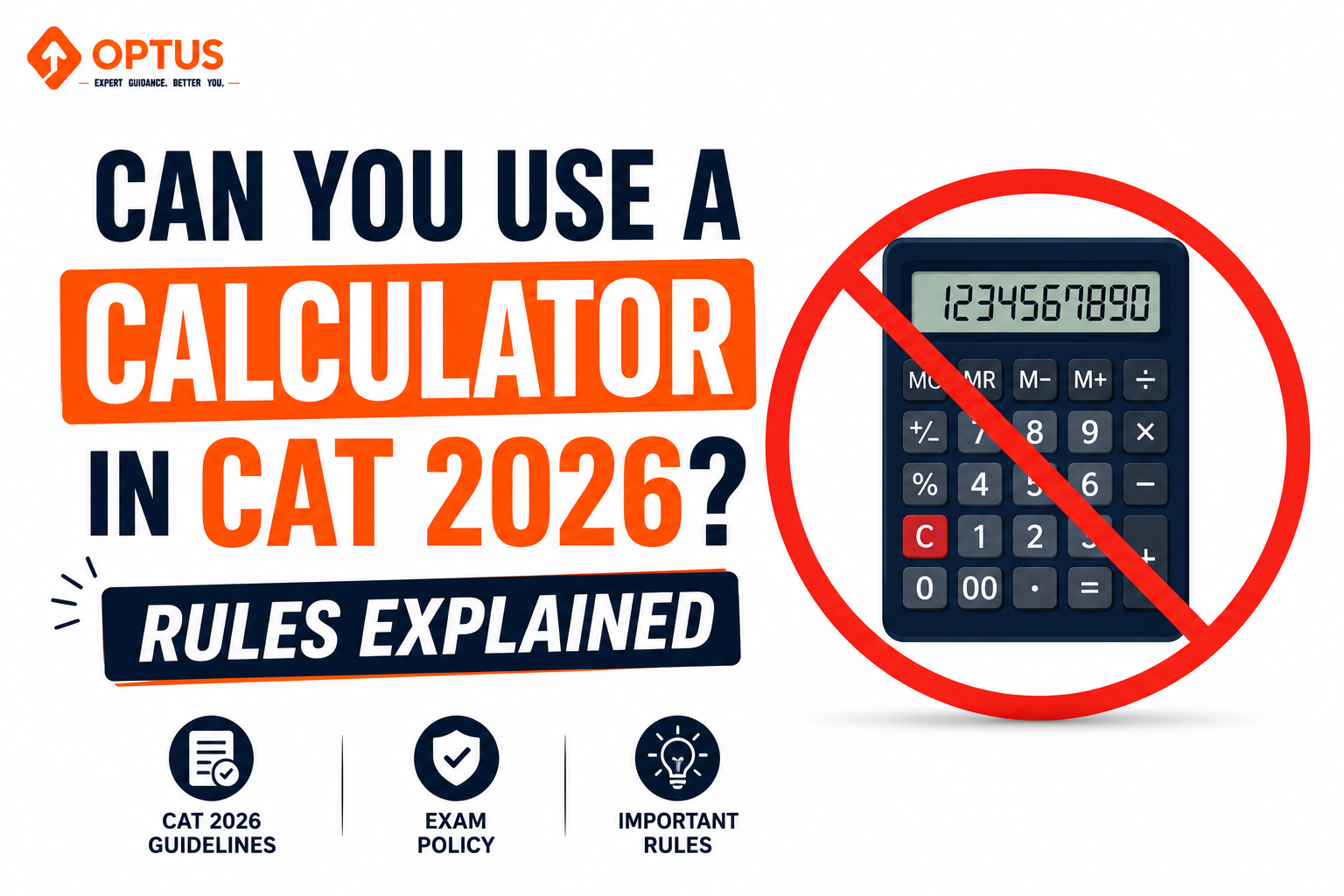
One of the most frequent queries that plague the minds of management aspirants as they dive into their preparation journey is whether they will have access to a calculator during the Common Admission Test. It is a highly valid concern, especially given the rigorous, number-heavy nature of the Quantitative Ability and Data Interpretation sections.
To put your anxieties to rest: Yes, you are permitted to use a calculator, but with a major caveat. You are strictly forbidden from bringing any personal physical calculators, smartwatches, or electronic gadgets into the testing facility. Instead, the examination interface provides a built-in, virtual on-screen calculator. The core philosophy behind this restriction is that the examining body intends to evaluate your organic numerical fluency, analytical reasoning, and rapid mental agility, rather than your ability to punch digits into a handheld device.
In this comprehensive guide, we will dissect everything you need to know about the digital calculating tool, from locating it on your monitor to deploying it with maximum strategic efficiency.
During the actual test, the virtual calculator manifests as a compact icon located near the top of your computer interface, typically positioned right above the countdown timer. Familiarizing yourself with its layout prior to D-Day is an absolute necessity. It functions much like the standard application on your desktop—you must use your computer mouse to manually click each individual digit and operator.
The interface is fundamentally basic but covers all the essential grounds. It supports standard arithmetic functions (addition, subtraction, multiplication, division), alongside specialized operations like calculating percentages, finding reciprocals, and extracting square roots. Furthermore, it incorporates standard memory keys (M+, M-, MR, MC) which are incredibly useful for juggling multi-step equations without needing to jot down intermediate values on your scratchpad.
Just because the tool is available does not mean you should use it for every minor sum. Knowing when to deploy it is a strategic advantage. Here are the most effective scenarios for its utilization:
| Scenario | Strategic Implementation |
|---|---|
| Monstrous Multiplications | When confronted with a convoluted product of heavy decimals or multi-digit figures (common in DILR), executing it manually under ticking pressure is highly error-prone. The digital tool rapidly neutralizes this risk. |
| The Final Hurdle Check | After navigating the logical web of a problem on paper, you might arrive at a complex final fraction. Using the screen tool for this concluding step guarantees precision and preserves vital cognitive energy. |
| Micro-Decimal Comparisons | When multiple-choice options are uncomfortably close (e.g., 54.32, 54.38, 54.81), rough mental approximations will fail you. The on-screen device delivers the exact decimal required to confidently eliminate incorrect traps. |
| Irrational Square Roots | Extracting the precise root of a non-perfect square (like 143) is exceptionally tedious by hand. A single click of the square root button provides instant clarity, keeping your momentum uninterrupted. |
Elite candidates subscribe to a highly disciplined approach: the 80-20 rule. This philosophy dictates that a staggering 80% of your mathematical processing should be executed entirely via mental math or rapid pen-and-paper scratch work. The virtual calculator should be strictly reserved for the remaining 20% of highly complex, tedious operations.
Why this imbalance? Clicking digits with a mouse is mechanically slow. Building an ironclad foundation in mental arithmetic—such as memorizing fractional equivalents, deploying divisibility rules, and utilizing unit-digit analysis—will always outpace the interface. Consider calculating 27.5% of 320. A candidate relying on the screen will waste seconds clicking. A mentally agile candidate recognizes that 25% of 320 is a simple quarter (80), and 2.5% is just a tenth of that (8). Adding them together yields 88 instantaneously. Mental fluidity is your ultimate weapon.
If you must open the virtual application, do so with surgical precision. Follow these advanced tactics to minimize wasted time:
Relying on technology comes with its own set of unique hazards. Be fiercely protective against these common pitfalls:
You cannot expect to operate the digital interface flawlessly on exam day if you have never practiced with it. During your initial conceptual studies at home, strictly banish all calculators to forcefully build your mental muscles. However, the paradigm shifts entirely when you begin executing full-length mock examinations.
During your simulated tests, force yourself to use only the on-screen tool provided by the mock platform. Dedicate a focused 10-minute block daily to simply playing with the interface, understanding its quirks, and building the necessary hand-eye coordination with your mouse. Post-mock, as you review your incorrect answers, utilize the tool to quickly verify where your manual calculations might have derailed. This balanced regimen ensures that when November arrives, the virtual interface feels like a natural extension of your problem-solving toolkit rather than an unfamiliar obstacle.